


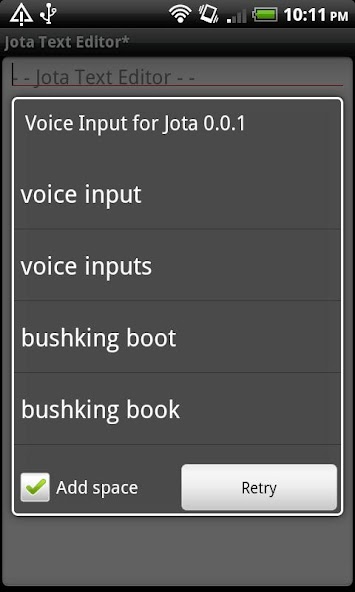

This is a voice input extension of Jota Text Editor.
This is a voice input extension of Jota Text Editor.
How to use...
1.Install Jota Text Editor.
2.Select Menu-Insert.
3.Select 'Voice Input'.
4.Speak to phone.
5.Select from candidates.
How to launch on menu...
1.Select Menu-Preferences-Misc.-'Select Reciever'.
2.Select 'Mushroom' then 'Voice Input'.
No ad and free!
Send response by mail or Twitter @jiro_aqua.





 Download(18.08KB)